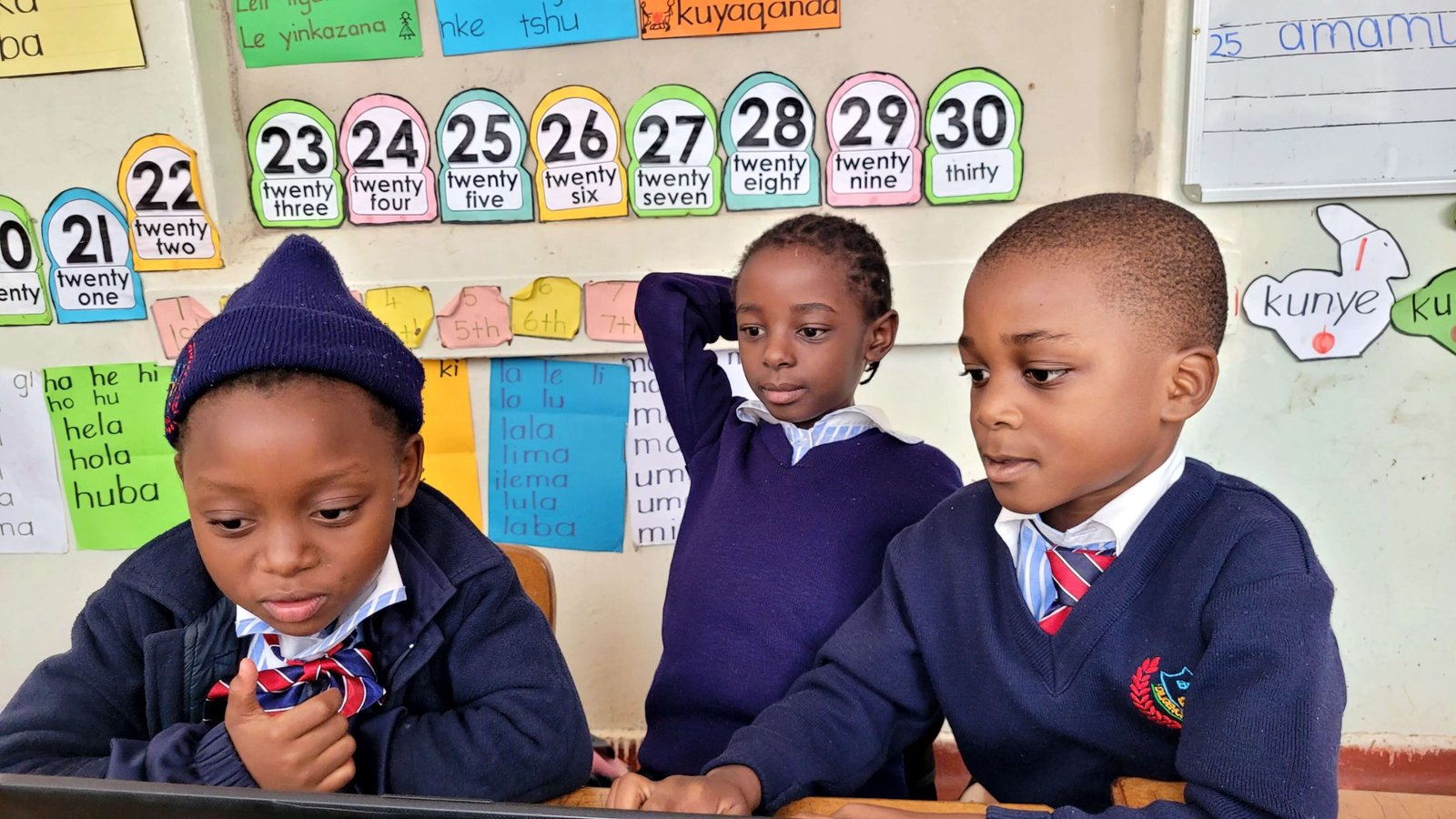
Caltens Elementary: classroom lesson moments
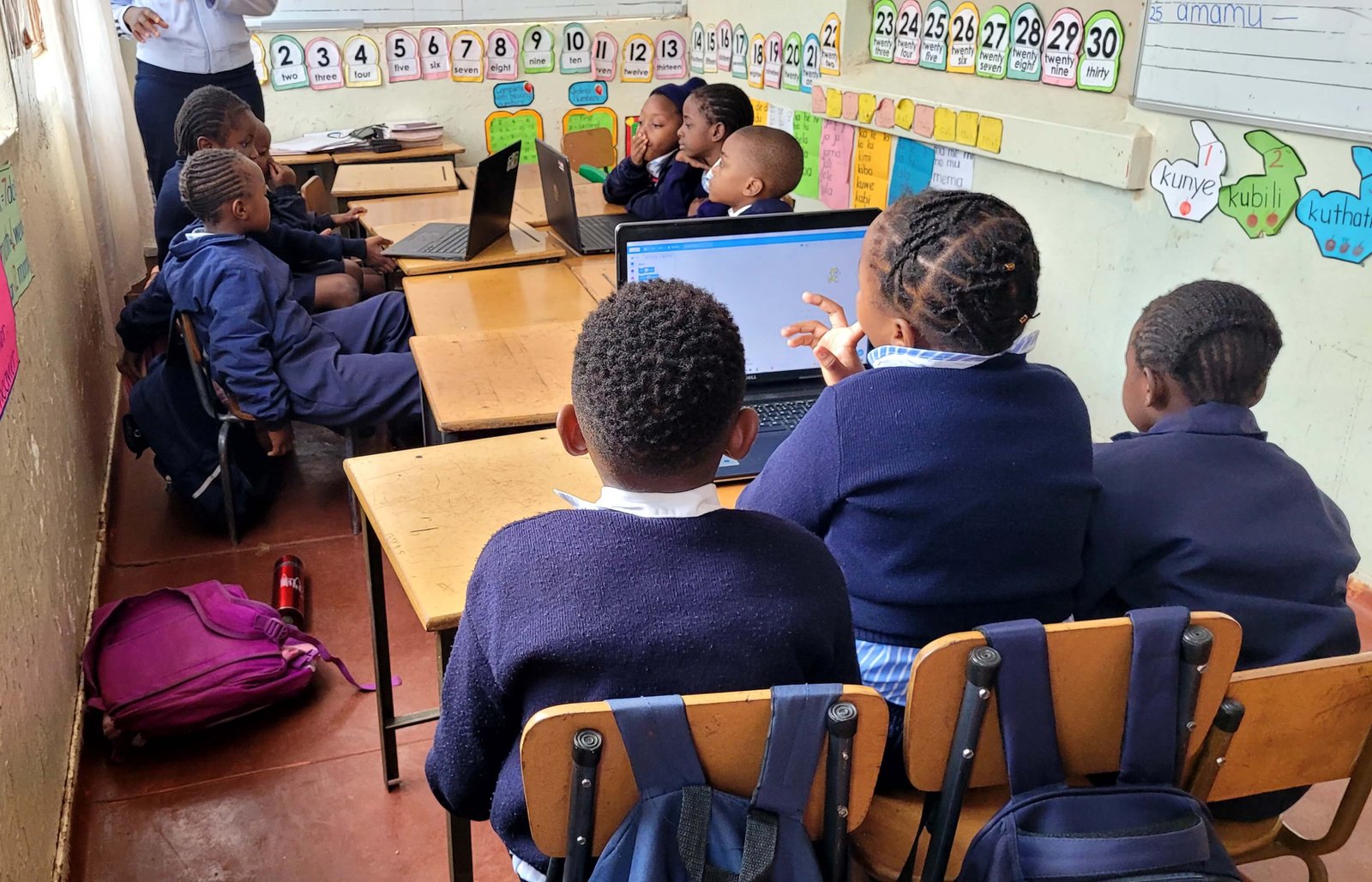
Snapshots from ICT lessons at Caltens Elementary as learners practice and grow.
Classroom moments that show progress
Our ICT lessons are designed to be simple, practical, and confidence building. Over time, learners become more comfortable with devices and better at following structured steps. This improves both their computer skills and their classroom learning habits.
When people see photos from a lesson, they usually notice the computers first. But the real progress is often in the small things: a learner sitting properly, waiting their turn, raising a hand, or helping a classmate without fighting.
Those small moments matter because they show readiness for learning.
What we focus on during lessons
We prioritize repetition and clarity.
Instead of trying to teach many topics in one day, we focus on a few core skills and repeat them until learners can do them with confidence.
Core skills include:
- basic mouse control
- basic keyboard awareness
- following instructions step by step
- understanding that computers are tools, not toys
Why repetition is not a weakness
Some people think repetition means learners are slow. That is not true.
Repetition is how skills become natural.
When a learner repeats an action many times:
- they build muscle memory
- they reduce fear
- they improve accuracy
This is the same reason athletes repeat drills.
The role of structure
Structure helps learners feel safe.
When learners know the routine, they focus better.
A simple lesson structure looks like:
- quick reminder of rules
- demonstration
- guided practice
- independent practice
- review
When the structure is consistent, learners improve faster.
The role of encouragement
Encouragement changes learners.
Many learners stop trying when they are corrected harshly.
We focus on:
- praising effort
- correcting calmly
- celebrating small wins
When learners feel safe, they keep trying.
What these moments mean for school performance
ICT lessons support more than computer skills.
They support:
- attention
- memory
- coordination
- confidence
- discipline
These skills carry into other subjects.
When learners learn to focus and follow steps in ICT, it also helps them follow steps in maths and reading.
How we handle different learning speeds
In every class, there are different learning speeds.
Some learners pick up quickly. Others need more time.
We handle this by:
- pairing learners for peer support
- breaking tasks into smaller steps
- giving extra practice time
This way, learners who struggle do not feel ashamed.
What we want parents to understand
Parents sometimes think ICT lessons are only about computers.
But the bigger picture is confidence.
When a learner feels confident, they:
- participate more
- ask questions
- try again after failing
Parents can support this by:
- asking learners what they practiced
- encouraging them to explain what they learned
- praising effort and discipline
What we’re excited about
We’re excited to keep expanding learning opportunities for more schools.
Our focus is to ensure learners are not only exposed to technology, but are trained in a way that helps them use it responsibly and effectively.
We believe that when schools build strong foundations early, learners grow into young people who can use technology for learning, work, and progress.
How to use this article
Use this as a practical guide. If you’re reading as a team, assign actions and test the ideas on a real project.
Need help implementing?
If you want this applied to your business or team, we can recommend the right service or training track.