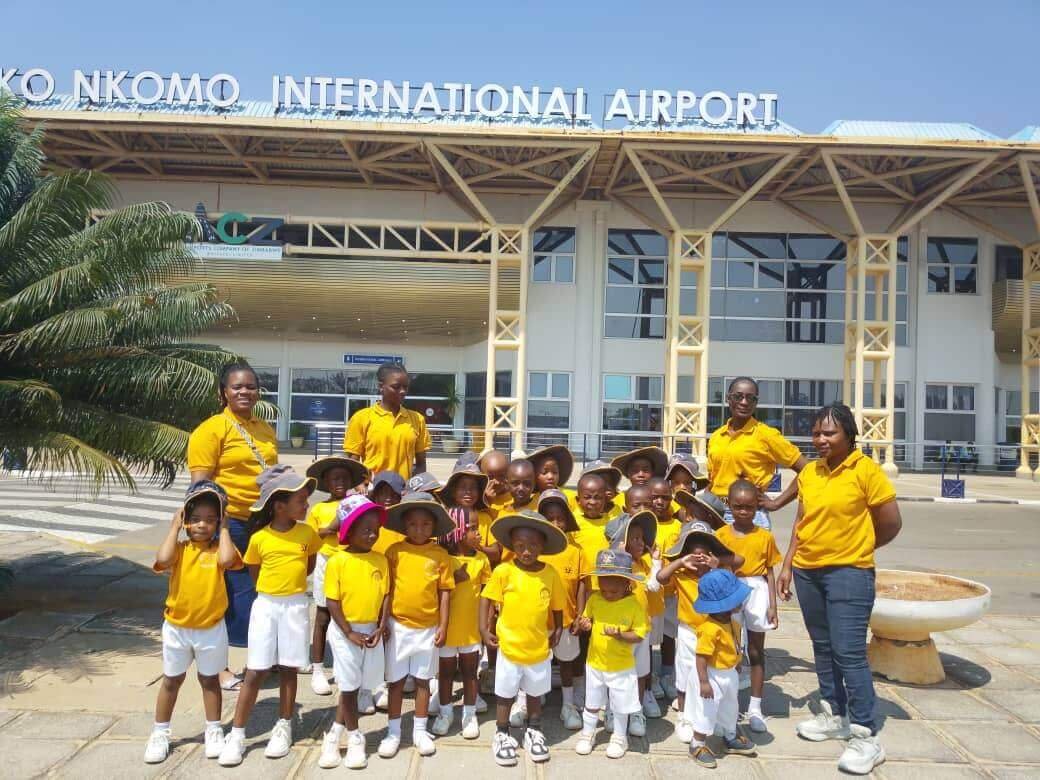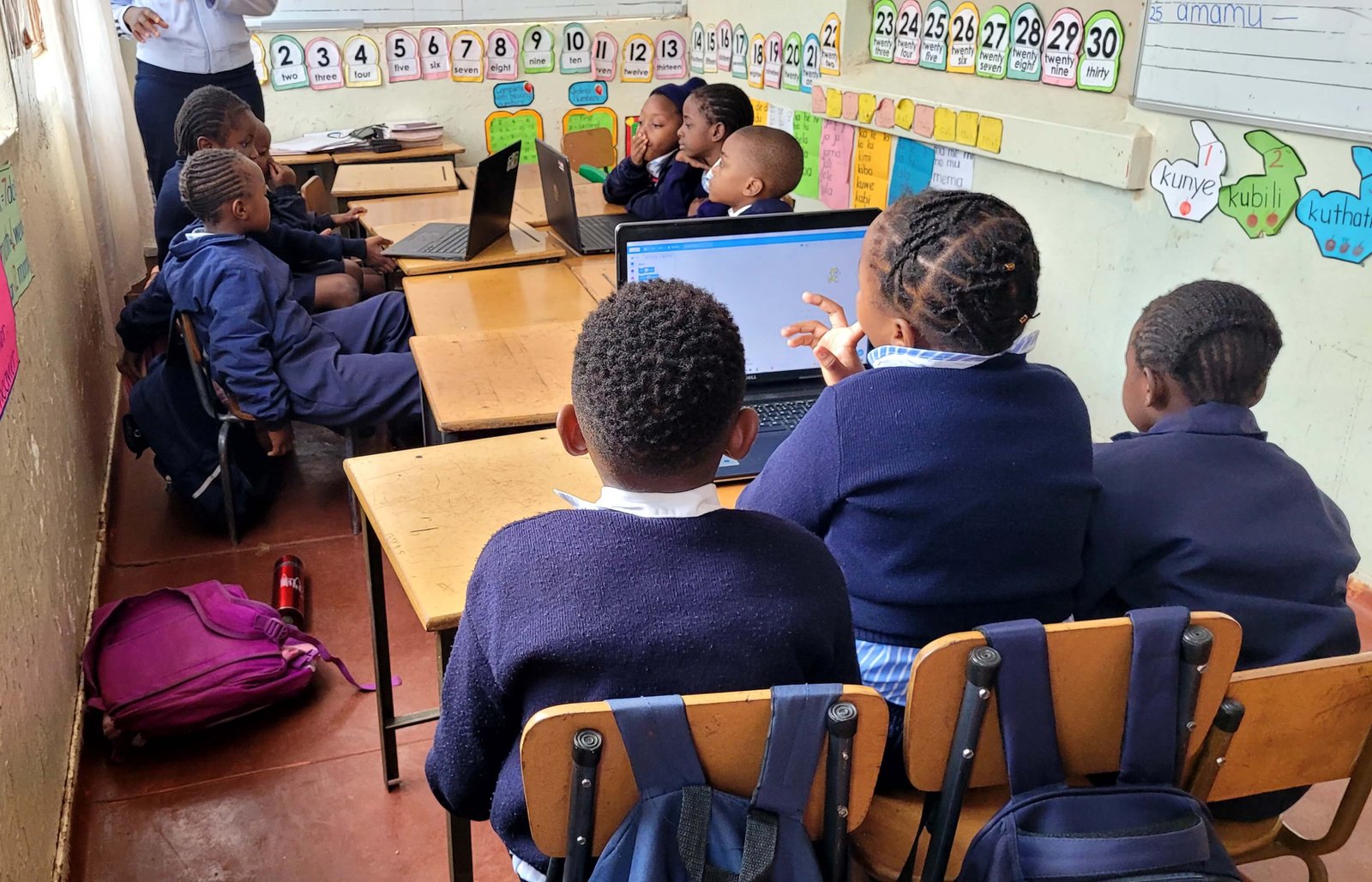
ICT lessons at Caltens Elementary
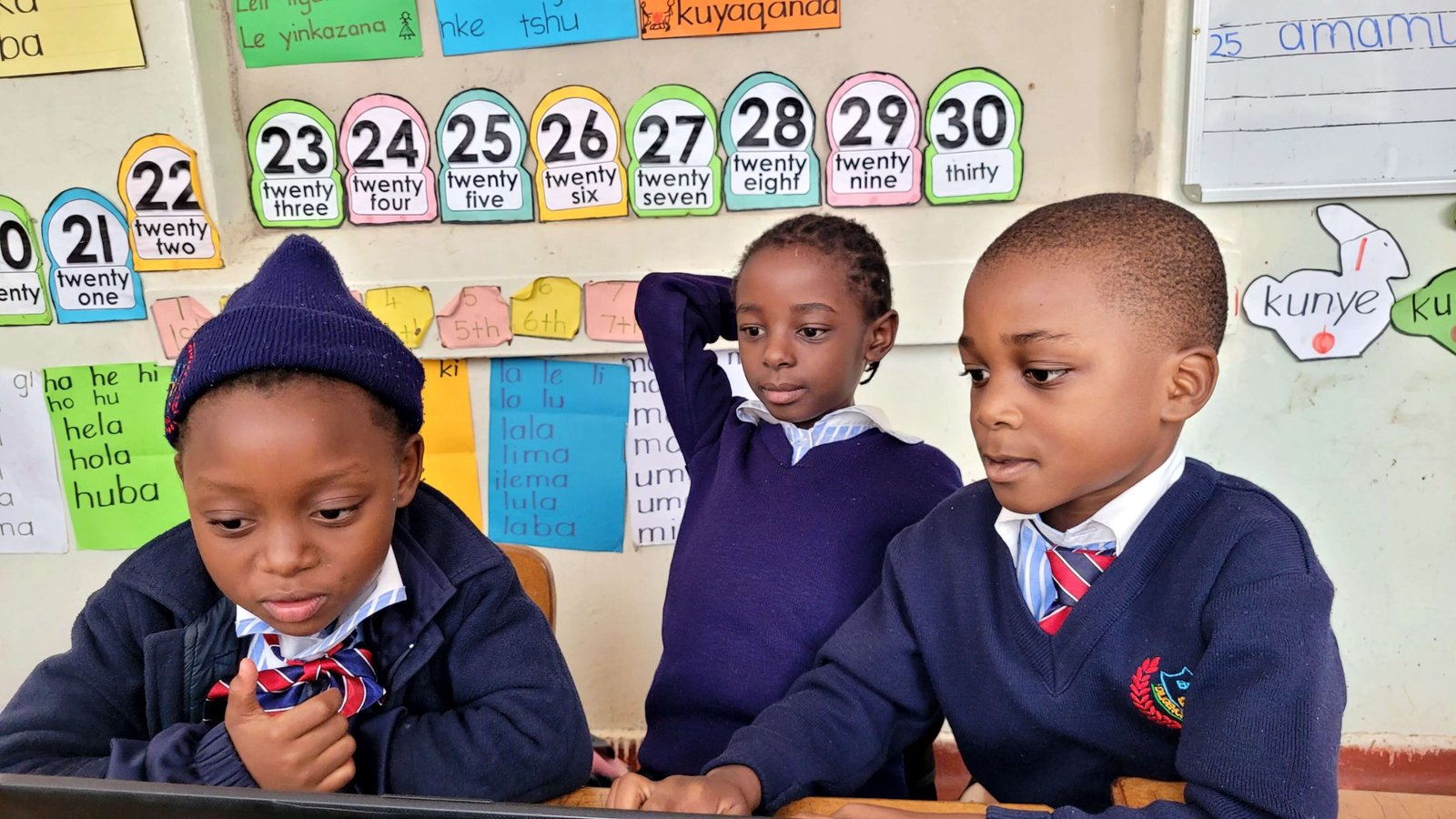
Practical ICT lessons for learners at Caltens Elementary, building skills step by step.
Practical ICT lessons that build real skills
We teach ICT at Caltens Elementary to help learners develop foundational skills for school and life. The goal is to make learners comfortable with technology while also teaching responsibility, safe usage, and practical problem solving.
In many schools, learners see technology as something distant or complicated. Some learners think computers are only for rich people, or they fear making mistakes. Others use phones daily but still struggle with basic concepts like file names, folders, or typing.
Our work is to remove that fear and replace it with confidence.
Why the basics matter
Some people assume ICT should start with advanced topics. But learners cannot build a house without a foundation.
At primary level, the basics include:
- understanding what a computer is and what it is used for
- learning computer parts and basic care
- learning how to sit properly and focus
- learning how to follow instructions step by step
These skills help learners even outside ICT. A learner who can follow instructions carefully will also do better in reading, maths, and other subjects.
What learners practice in our sessions
Lessons focus on hands on learning and clear progression from basics to applied tasks.
Computer awareness
- identifying the screen, keyboard, mouse
- learning what a CPU is in simple terms
- learning what happens when you press keys
Mouse control and coordination
- left click and right click practice
- double click practice
- drag and drop practice
Mouse control seems small, but it builds coordination and patience.
Typing and keyboard confidence
- learning where letters are
- learning shift, space, enter, backspace
- simple typing exercises
Typing is not only a computer skill. It teaches discipline. Learners begin to focus on accuracy and improvement.
File and folder thinking
Many learners do not understand where files go.
We introduce:
- what a file is
- what a folder is
- why naming matters
We use simple examples like school bags and books. A folder is like a bag. A file is like a book. If you throw everything into one bag with no labels, you struggle later.
Safe and responsible usage
Even at primary level, learners can understand simple safety:
- do not click random things
- ask for help when unsure
- treat devices with care
We also teach respect for shared equipment. Many schools share computers, so learners must learn to be careful.
Why the step by step method works
When learners master small steps consistently, their confidence increases. This reduces fear of technology and encourages curiosity.
We do not rush. We repeat.
Repetition is not boring when learners can see progress. When a learner who struggled with clicking finally gets it right, they feel proud. That pride becomes motivation.
Working with teachers and school leadership
ICT education works better when it supports the school structure.
We work with educators to:
- align lessons with classroom routines
- identify learners who need extra support
- keep learning consistent
We also encourage simple classroom habits:
- learners lining up properly
- learners waiting their turn
- learners listening before touching devices
These habits make ICT sessions smoother.
Challenges we notice and how we respond
Limited devices
In many schools there are not enough computers for every child. That means we design sessions that allow:
- rotation
- group work
- peer support
Mixed skill levels
Some learners pick up fast. Others need more time.
We avoid shaming learners. We use encouragement and repetition.
Fear of making mistakes
Some learners avoid trying because they fear being wrong.
We teach that mistakes are part of learning, as long as you listen and try again.
What this means for the future
When learners build these foundations early, they are more prepared for:
- research and online learning
- basic productivity skills
- creative digital work
- later coding or advanced ICT skills
It becomes easier for schools to introduce more advanced topics when the foundation is strong.
Next steps
We’re working on improving lesson consistency, adding more structured exercises, and supporting educators with simple classroom friendly resources.
Our focus is not only to expose learners to computers, but to build learners who feel confident using technology responsibly and effectively.
How to use this article
Use this as a practical guide. If you’re reading as a team, assign actions and test the ideas on a real project.
Need help implementing?
If you want this applied to your business or team, we can recommend the right service or training track.