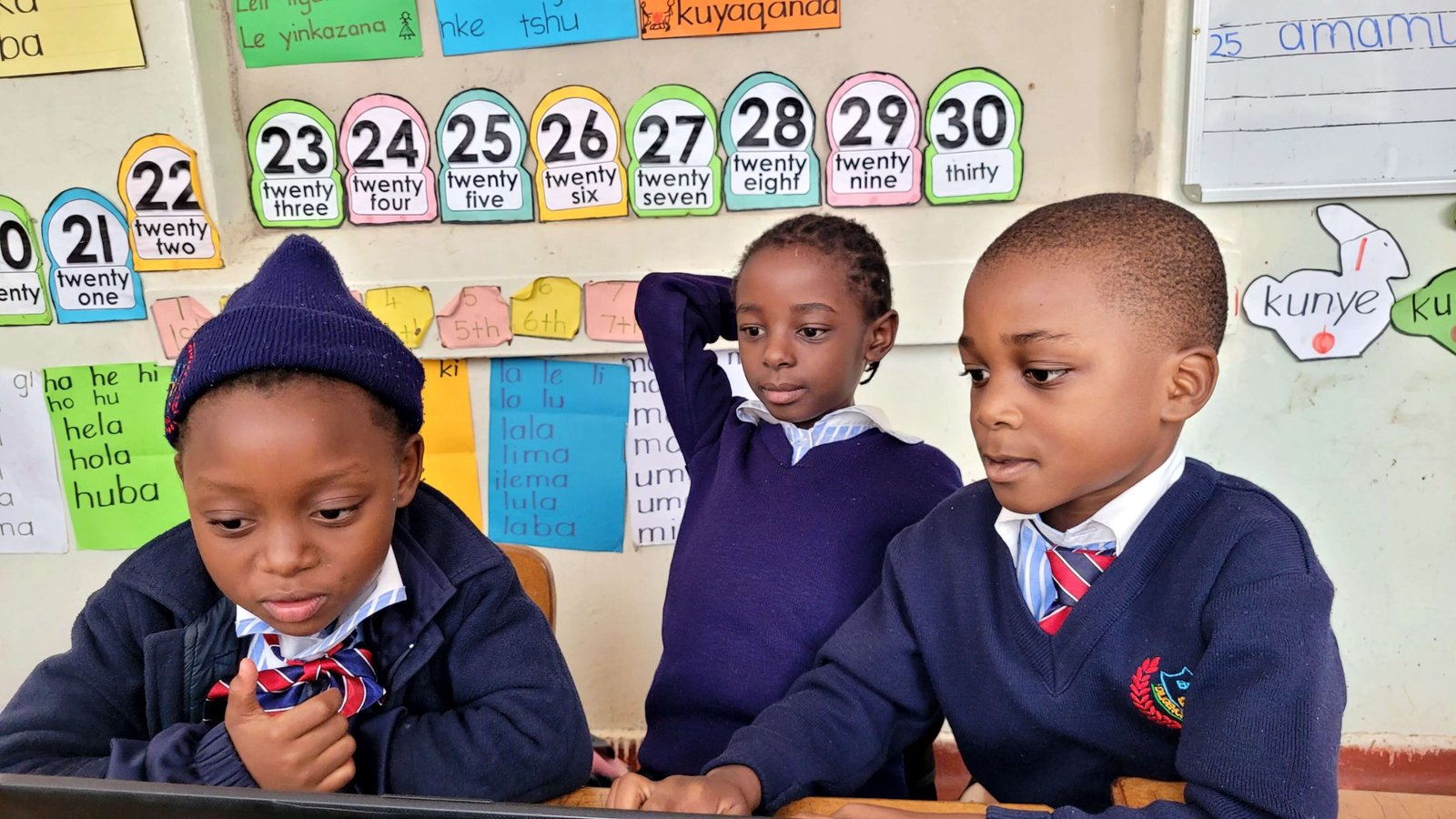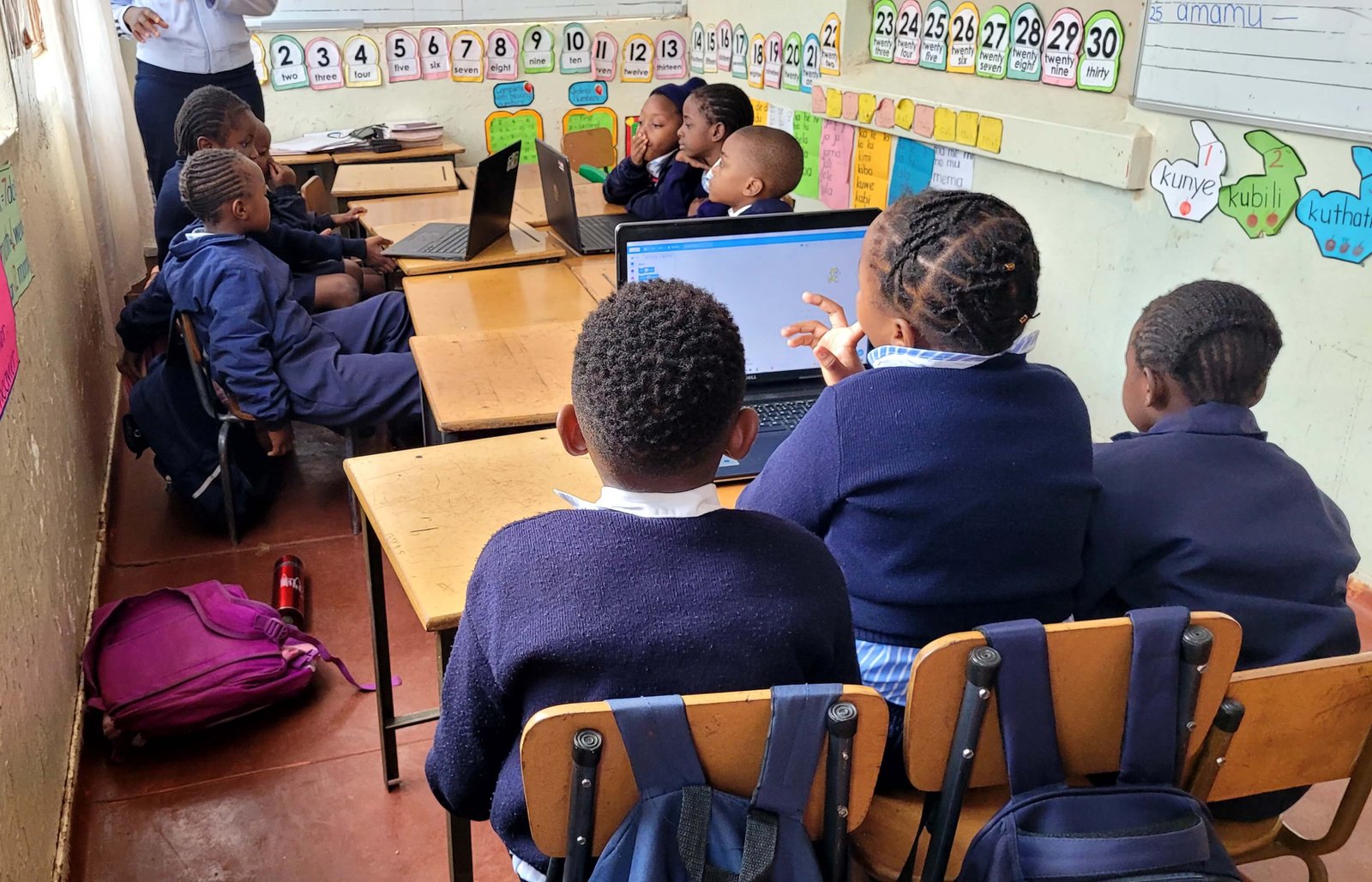
ICT lessons at Favour Preschool

Teaching ICT foundations to young learners at Favour Preschool through guided practice and fun activities.
Building digital confidence early
We teach ICT basics to young learners at Favour Preschool using age appropriate lessons that build confidence and curiosity. The aim is not to rush children into complex concepts. The aim is to help them understand devices, basic computer parts, and simple learning routines that make technology feel safe and friendly.
If a child feels scared of a computer, they avoid it. If a child feels curious and supported, they explore. That is why early learning must be gentle.
What ICT means for preschool learners
For preschool learners, ICT is not coding.
ICT at this level is:
- understanding what a computer is
- learning basic parts like screen, keyboard, mouse
- learning how to sit and focus
- following instructions step by step
These are the same skills that support reading and writing too.
Our teaching approach
We keep lessons short, practical, and interactive. Young learners have short attention spans, so we build structure with variety.
Learners practice step by step actions such as:
- using a mouse or touchpad
- recognizing keys on a keyboard
- understanding left click and right click
- learning basic hand control and coordination
We also teach discipline:
- waiting your turn
- asking for help politely
- taking care of devices
These are life skills.
Why early ICT exposure matters
Digital awareness is becoming as important as basic literacy. Many schools now use technology for learning and assessment later.
When children start early:
- they feel confident
- they ask better questions
- they are not easily frustrated
- they learn faster in higher grades
Early exposure, when done correctly, supports problem solving, memory, and confidence.
Working with teachers and parents
ICT learning is not only about the lesson itself. It also depends on support.
We work closely with educators to:
- keep lessons aligned with classroom routines
- support learners who struggle
- encourage consistent practice
At home, parents can help by:
- encouraging curiosity
- limiting screen time to healthy levels
- teaching children not to click random things
Even simple guidance makes a difference.
What we are learning as we teach
We have learned that:
- children learn faster when they feel praised for effort
- repetition builds confidence
- step by step learning reduces fear
We also learned that children learn best when they can touch and try, not only watch.
Next steps
We will continue improving the lesson plan, adding more interactive activities, and collaborating with educators to ensure learners are supported both in class and at home.
Our goal is to build children who feel comfortable with technology and also develop good habits. That way, when they grow older, they will use technology responsibly and effectively.
How to use this article
Use this as a practical guide. If you’re reading as a team, assign actions and test the ideas on a real project.
Need help implementing?
If you want this applied to your business or team, we can recommend the right service or training track.